
28 September 2026
Dimmyfor / A status light that follows your Microsoft Teams status
A free Windows app that turns a Luxafor Flag, or my own Dimmyfor Flag, into a status light that follows Microsoft Teams: red in a meeting, green when you're free. With light patterns, hotkeys and quiet hours.
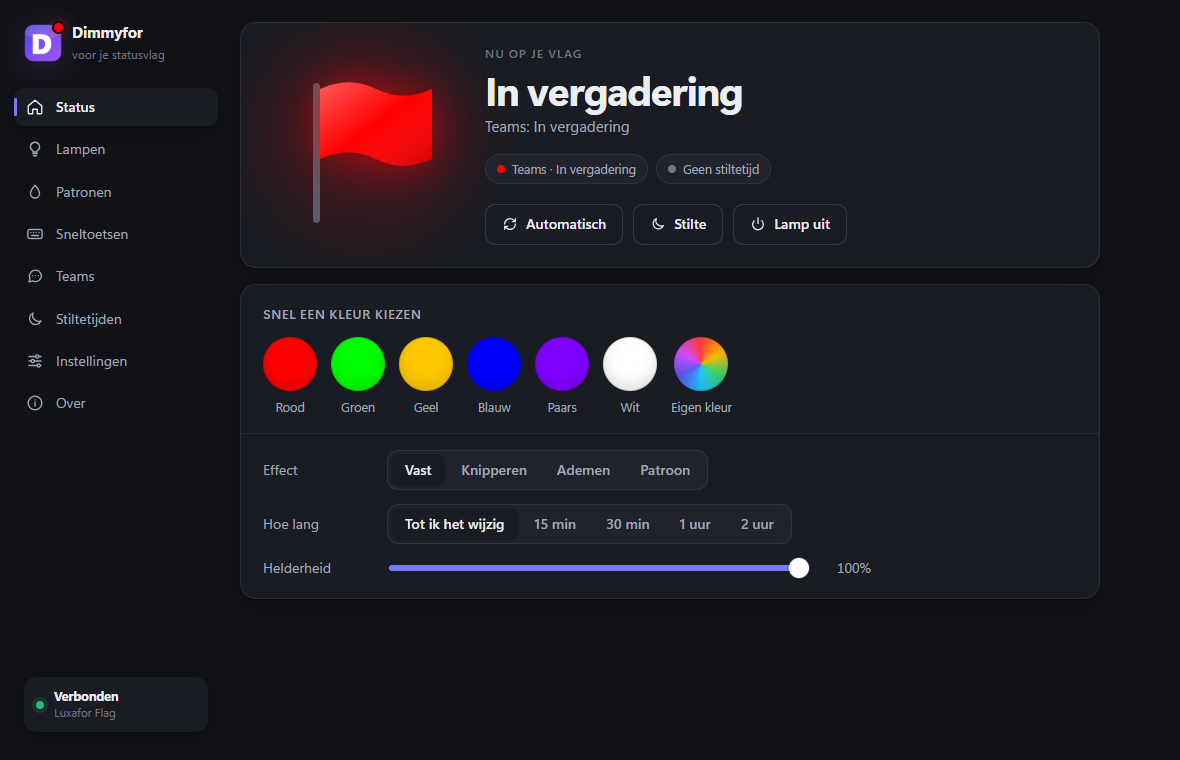
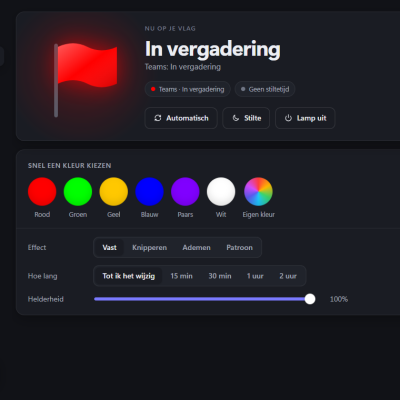
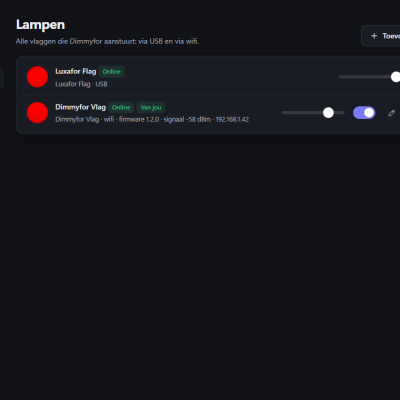
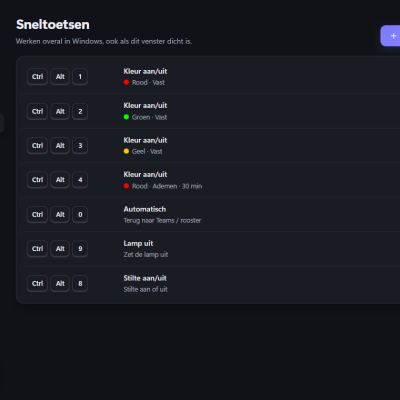
A small light on your monitor that shows whether you can be disturbed. Dimmyfor is a free Windows app that reads your status from Microsoft Teams and colours the light to match: green when you're available, red when you're in a meeting or on a call, yellow when you're away. Colleagues can see it at a glance.
It started as a small app for one Luxafor Flag, for Rebecca. It grew into a complete app, plus a flag of my own that also works over wifi.
1. Extract the zip.
2. Run install.cmd. No administrator rights needed.
3. Plug in your light. Dimmyfor appears next to the clock.
For Windows 11. Windows 10 works too if the Microsoft Edge WebView2 runtime is installed, which it usually is. The app is in Dutch for now; English and German are on the way.
Dimmyfor is an independent project and is not affiliated with Luxafor or Microsoft. Luxafor is a trademark of its owner; Microsoft Teams is a trademark of Microsoft.
It started as a small app for one Luxafor Flag, for Rebecca. It grew into a complete app, plus a flag of my own that also works over wifi.
What it does
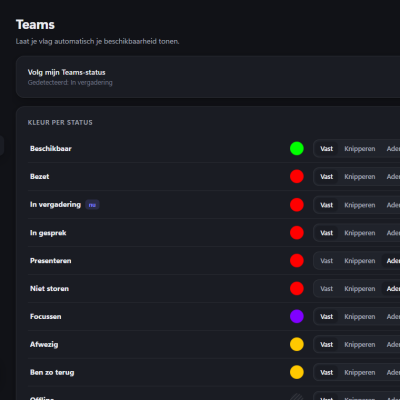
- Follows Teams automatically. Pick your own colour and effect for every status. No sign-in and no Microsoft account needed: Dimmyfor reads the status from Teams on your own PC.
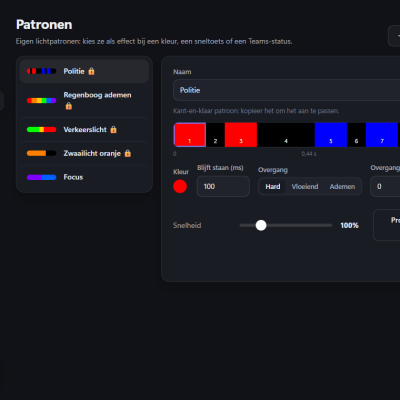
- Light patterns. Put colours on a timeline, with hard cuts, smooth fades or breathing. Or use a ready-made one: police lights, a rainbow, a traffic light.
- Hotkeys. Set a colour with a key combination, even when the window is closed.
- Quiet hours. The light goes off in the evening and at the weekend.
- Next to the clock. The tray icon shows the same colour as your light, and Dimmyfor starts with Windows.
- Updates. Dimmyfor checks for new versions and can update itself and the firmware of the Dimmyfor Flag.
Download
Download Dimmyfor for Windows, free.1. Extract the zip.
2. Run install.cmd. No administrator rights needed.
3. Plug in your light. Dimmyfor appears next to the clock.
For Windows 11. Windows 10 works too if the Microsoft Edge WebView2 runtime is installed, which it usually is. The app is in Dutch for now; English and German are on the way.
Which light?
- Luxafor Flag: plug it in and it works.
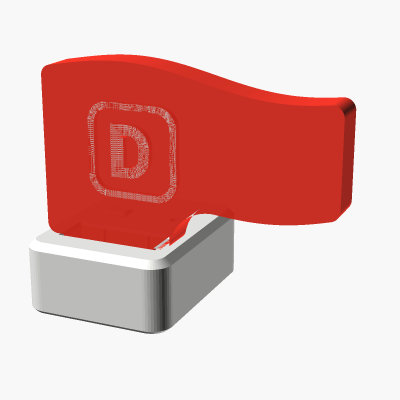
- Dimmyfor Flag: my own flag, the same size as the Luxafor Flag (34 mm tall), with an ESP32-S3 Super Mini inside and a magnet in the base, so it sticks to your monitor. It works over USB, and over wifi too: put it on any USB charger, by the door or on a desk across the room, and it still follows your status as long as it is on the same network as your PC. Get one in the shop for € 17.50.
Under the hood
The app is written in Python, with an interface in WebView2. The Dimmyfor Flag runs its own firmware on the ESP32-S3. Over USB it speaks the same protocol as a Luxafor Flag. Over wifi the app sends signed messages, so only its owner can control it, and light patterns play on the flag itself. Updates are signed too: the app only installs a release that carries the right signature.Dimmyfor is an independent project and is not affiliated with Luxafor or Microsoft. Luxafor is a trademark of its owner; Microsoft Teams is a trademark of Microsoft.